DirColors
PowerShell/dircolors (HowettNET GitLab)
DHowett/dircolors
DirColors leverages Powershell’s custom formatter support to provide an
implementation of GNU coreutils’ ls --color=always anywhere
FileInfo/DirectoryInfo objects are left to self-format.
DirColors adds support for:
- Parsing dircolors-formatted files
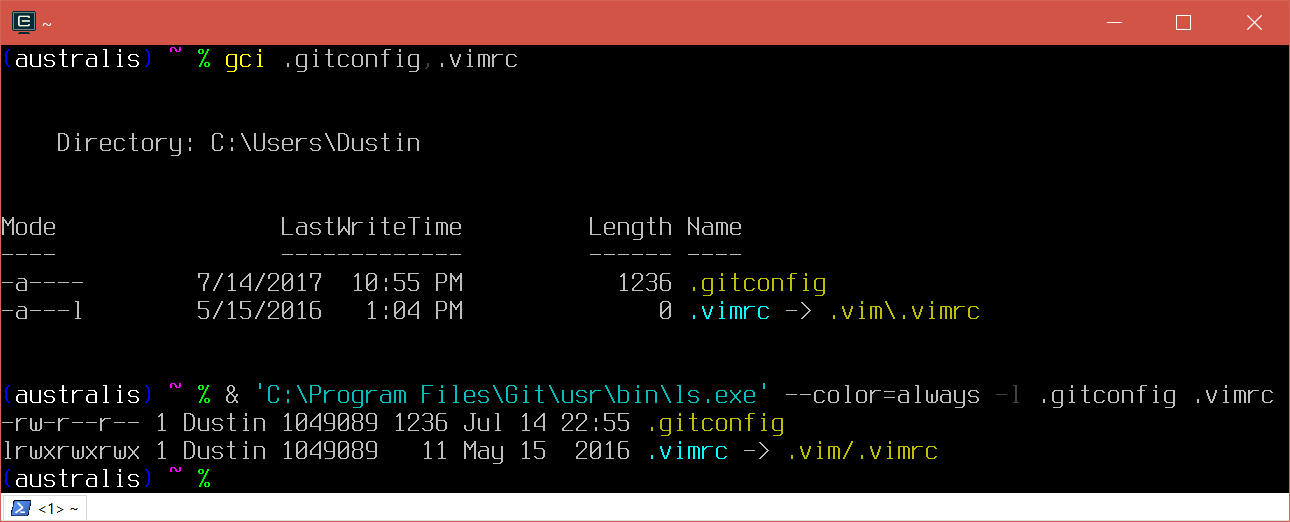
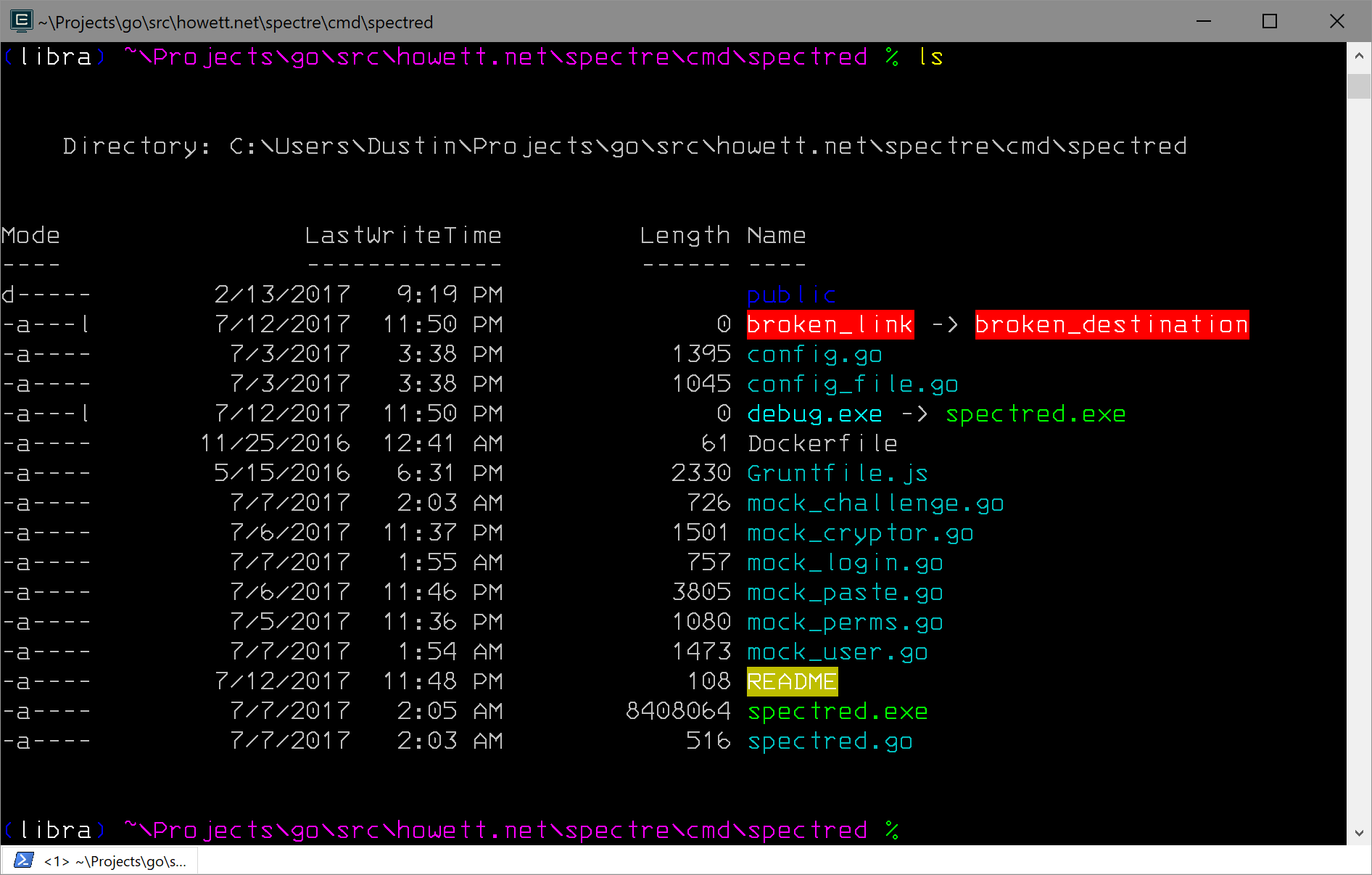
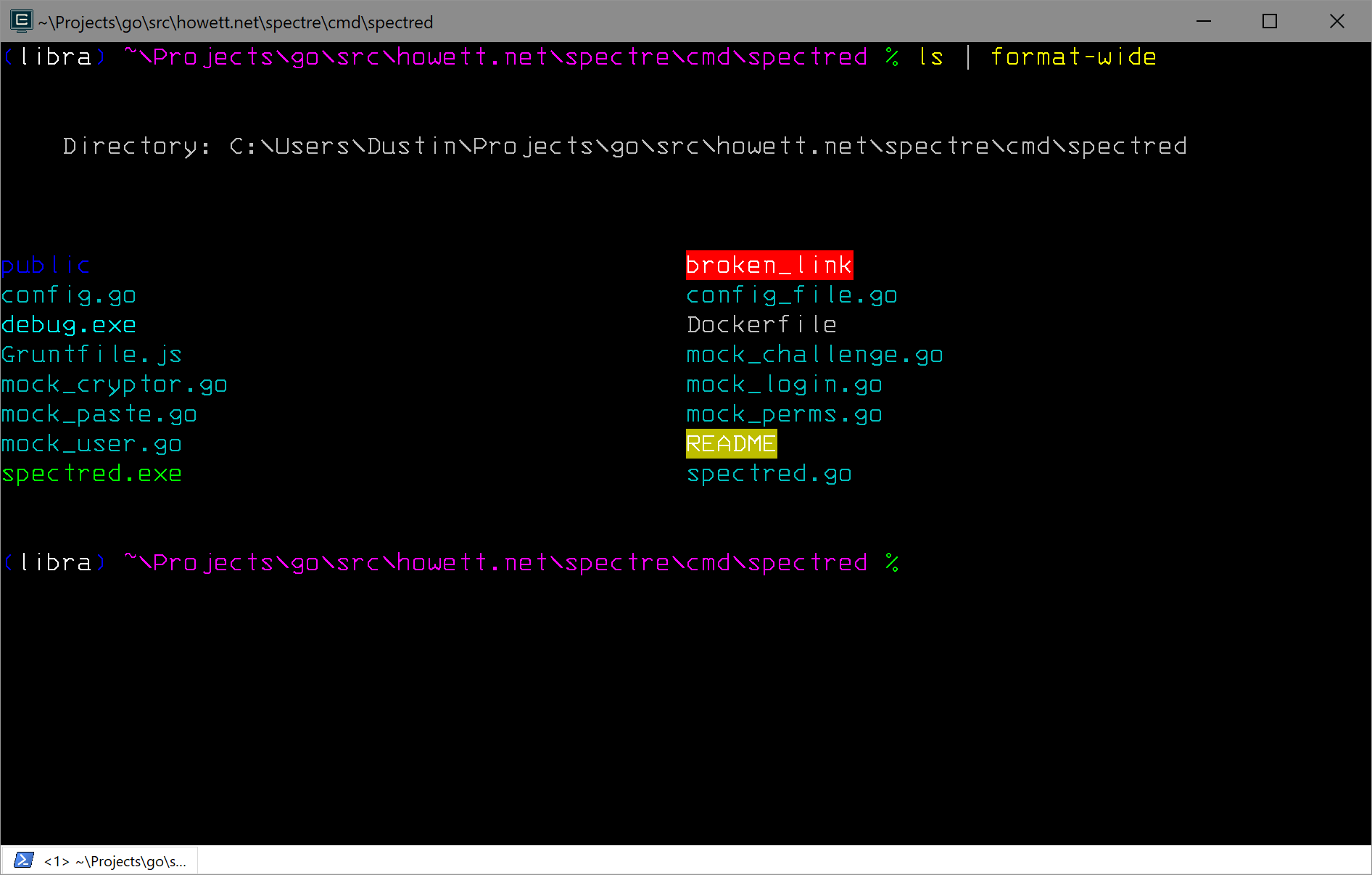
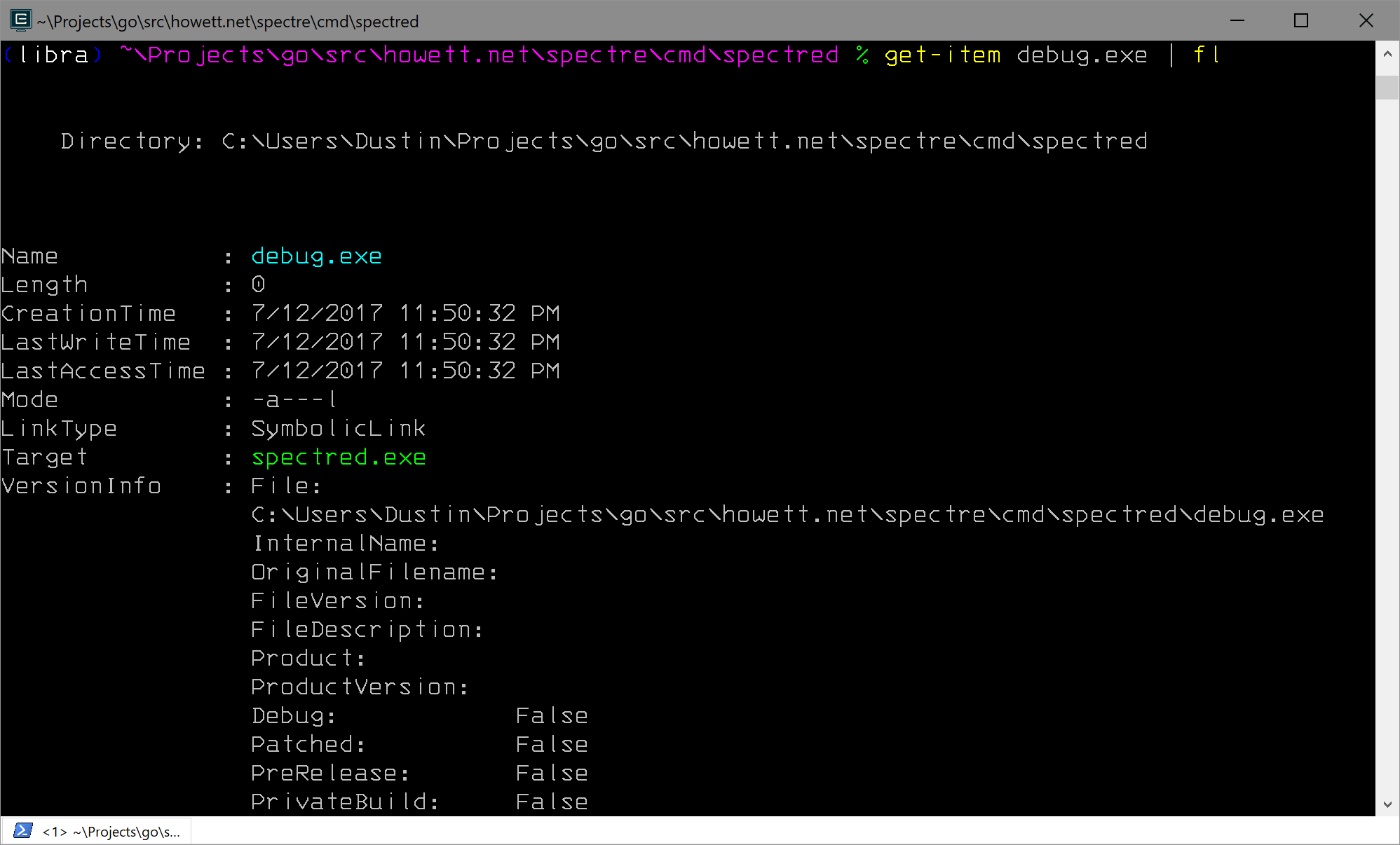
- Colorizing filenames in default, table, wide and list-formatted renditions of file information.
- Displaying the targets of symbolic links and directory junction points
- Parsing
LS_COLORSfrom your environment - Storing a dircolors-compatible
LS_COLORSin your environment for coreutils
For compatibility with existing utilities, DirColors will automatically read
$LS_COLORS from the environment when it is loaded and write back to it when
the color scheme is updated.
Usage⌗
Assuming you’ve installed the module somewhere in your module path, just import the module in your profile and load a dircolors file.
Import-Module DirColors

# Load a color scheme
Update-DirColors ~\dir_colors
Screenshots⌗
PowerShell formatters⌗
Coreutils integration⌗